07/06/2026 06:43am
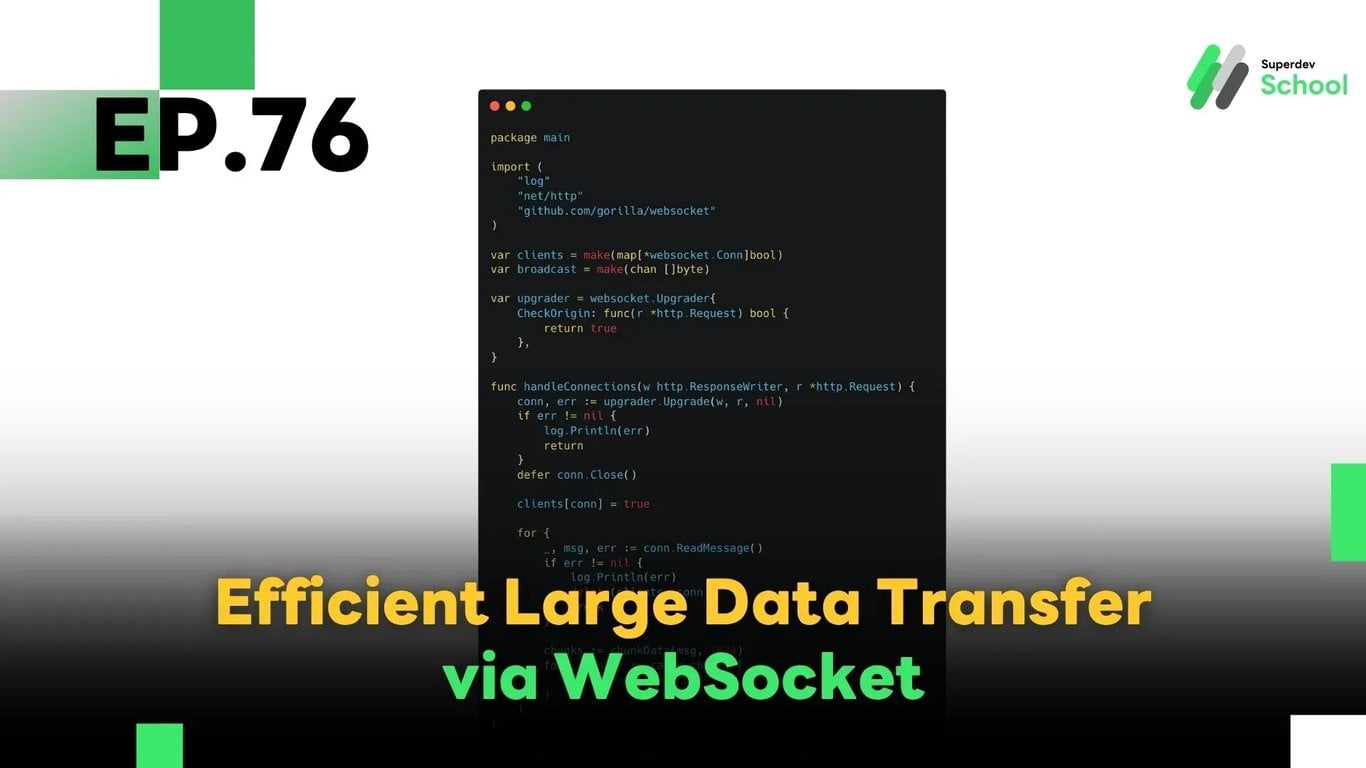
EP.76 Handling Large Data Transfers in WebSocket
#Large Data
#Data Streaming
#Go
#Real-Time Communication
#Binary Data
#WebSocket
In this episode, we'll explore how to send large data over WebSocket efficiently using techniques like:
- Chunking: splitting large data into smaller parts
- Compression: reducing data size before transmission
- Binary Data: using binary format instead of text
These techniques help improve the performance and reliability of WebSocket-based systems such as real-time chat applications, file transfer systems, and media streaming platforms.
🔸 Why Use WebSocket for Large Data Transfers?
1. Real-time Data Streaming:
WebSocket maintains a persistent connection between the server and client, making it ideal for real-time communication without reconnecting for every message.
2. Handles Large Payloads Gracefully:
With proper chunking and compression, WebSocket can reliably transmit large files or datasets.
3. Bandwidth Efficiency:
Compression significantly reduces the size of transferred data, optimizing network usage.
4. Full-Duplex Communication:
WebSocket supports simultaneous two-way communication, which is essential for interactive or collaborative applications.
🔸 Techniques for Sending Large Data via WebSocket
✅ 1. Chunking (Splitting Large Data)
Chunking involves breaking up large data into smaller parts (chunks) before sending, which avoids overwhelming the WebSocket connection and ensures better control over transmission.
🔧 Sample Go Function for Chunking:
func chunkData(data []byte, chunkSize int) [][]byte {
    var chunks [][]byte
    for i := 0; i < len(data); i += chunkSize {
        end := i + chunkSize
        if end > len(data) {
            end = len(data)
        }
        chunks = append(chunks, data[i:end])
    }
    return chunks
}
Each chunk can then be sent individually through the WebSocket connection.
✅ 2. Compression (Reducing Data Size)
Before sending, compressing data can reduce the load on the network and improve the speed of delivery.
🔧 Enabling WebSocket Compression in Go:
conn.EnableWriteCompression = true
conn.EnableReadCompression = true
Most WebSocket libraries support per-message compression if both server and client agree.
✅ 3. Binary Data Transfer
Instead of using plain text or JSON, transferring data in binary format (e.g., files, media, or encoded blobs) is more efficient and compact.
🔧 Sending Binary Data in Go:
conn.WriteMessage(websocket.BinaryMessage, binaryData)
This method is suitable for streaming files, images, or video data in real-time.
🔸 Example WebSocket Server Handling Chunking
package main

import (
    "log"
    "net/http"
    "github.com/gorilla/websocket"
)

var clients = make(map[*websocket.Conn]bool)
var broadcast = make(chan []byte)

var upgrader = websocket.Upgrader{
    CheckOrigin: func(r *http.Request) bool {
        return true
    },
}

func handleConnections(w http.ResponseWriter, r *http.Request) {
    conn, err := upgrader.Upgrade(w, r, nil)
    if err != nil {
        log.Println(err)
        return
    }
    defer conn.Close()

    clients[conn] = true

    for {
        _, msg, err := conn.ReadMessage()
        if err != nil {
            log.Println(err)
            delete(clients, conn)
            break
        }

        chunks := chunkData(msg, 1024)
        for _, chunk := range chunks {
            broadcast <- chunk
        }
    }
}

func chunkData(data []byte, chunkSize int) [][]byte {
    var chunks [][]byte
    for i := 0; i < len(data); i += chunkSize {
        end := i + chunkSize
        if end > len(data) {
            end = len(data)
        }
        chunks = append(chunks, data[i:end])
    }
    return chunks
}

func handleMessages() {
    for {
        msg := <-broadcast
        for client := range clients {
            err := client.WriteMessage(websocket.TextMessage, msg)
            if err != nil {
                log.Println(err)
                client.Close()
                delete(clients, client)
            }
        }
    }
}

func main() {
    http.HandleFunc("/", handleConnections)
    go handleMessages()
    log.Println("Server started on :8080")
    log.Fatal(http.ListenAndServe(":8080", nil))
}
🔸 Testing Large Data Transfers
Make sure to validate the following after implementing chunking and compression:
✅ Data is properly chunked:
Confirm that large payloads are split and sent successfully.
✅ Compression works effectively:
Check whether message size is reduced and transmission is faster.
✅ Stability with multiple clients:
Simulate multiple clients receiving large data simultaneously to evaluate system performance.
💡 Challenge for You!
Try building a file upload or video streaming system using WebSocket with chunking and compression. Measure the performance and optimize the size and delivery time!
🔜 Coming Next in EP.77
Building an Instant Notification System with WebSocket
Learn how to implement a real-time notification system that alerts users instantly when important events happen in a chat room or collaborative app.
Read more
🔵 Facebook: Superdev School (Superdev)
📸 Instagram: superdevschool
🎬 TikTok: superdevschool
🌐 Website: www.superdev.school