07/06/2026 06:43am
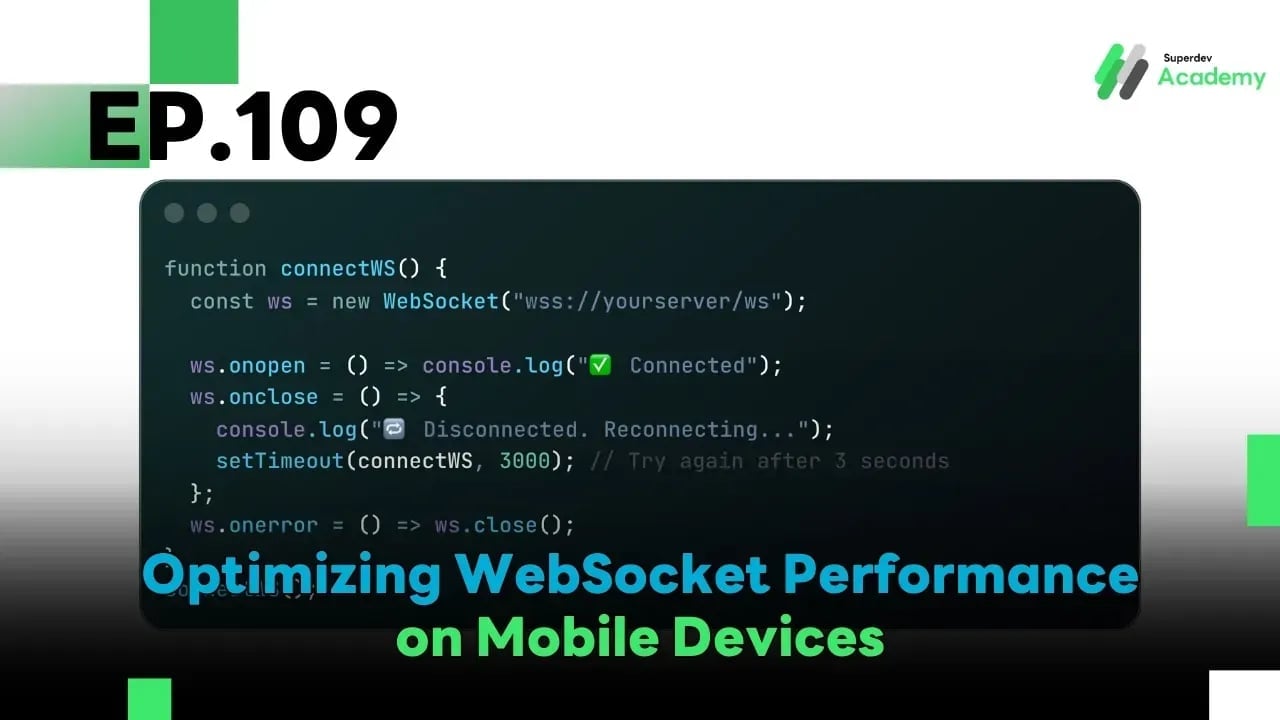
EP.109 Optimizing WebSocket Performance on Mobile Devices
#optimize WebSocket mobile
#Go Language
#Golang
#Go
#WebSocket
#WebSocket Mobile
Using WebSocket on mobile devices introduces a unique set of challenges compared to desktop environments. These include:
- ⚡ Battery limitations
- 🌐 Unstable mobile networks
- 🔁 Frequent network switching (e.g., Wi-Fi to 5G)
- 😴 Background mode restrictions (or Sleep Mode)
In this episode, you'll learn practical techniques and real-world code to optimize your WebSocket server for speed, stability, and energy efficiency on mobile platforms — with production-ready examples.
🔋 1. Common WebSocket Issues on Mobile
| Problem | Impact |
|---|---|
| Frequent disconnects | Lost messages / Increased latency |
| High power usage | Battery drain, users closing app |
| Inappropriate timeout settings | Unnecessary reconnects |
| Limited background mode | No real-time sync when app is inactive |
A well-designed WebSocket system for mobile must handle unpredictable network conditions while also conserving battery usage efficiently.
🔧 2. Optimization Techniques for Mobile WebSocket
🕐 2.1 Tune Timeouts for Mobile Networks
Mobile networks tend to have higher latency and jitter. So, you should increase the timeout values to prevent premature disconnects.
const (
	pongWait   = 30 * time.Second   // Extended from 10 to 30 seconds
	pingPeriod = (pongWait * 9) / 10
)
⚠️ Avoid overly short timeouts — mobile devices may miss a
pingwhen switching apps or networks.
🔄 2.2 Add Auto-Reconnect Logic on the Client
Mobile clients must be able to reconnect automatically when the connection drops.
function connectWS() {
  const ws = new WebSocket("wss://yourserver/ws");

  ws.onopen = () => console.log("✅ Connected");
  ws.onclose = () => {
    console.log("🔁 Disconnected. Reconnecting...");
    setTimeout(connectWS, 3000); // Try again after 3 seconds
  };
  ws.onerror = () => ws.close();
}
connectWS();
💡 Pro Tip: Use exponential backoff to reduce server load from rapid reconnect attempts.
🪫 2.3 Reduce Power Consumption
Frequent messaging or excessive pings can drain battery unnecessarily. Here’s how to minimize impact:
✅ Use batching (combine multiple messages before sending)
✅ Use delta updates (send only changed data)
✅ Reduce the frequency of Ping/Pong
Example in Go:
if time.Since(lastMessageSent) > 5*time.Second {
	conn.WriteMessage(websocket.TextMessage, []byte("heartbeat"))
	lastMessageSent = time.Now()
}
📶 2.4 Support Network Switching (Wi-Fi ↔ 4G/5G)
When the device changes networks, the IP changes — breaking the WebSocket connection.
Use a Reconnect Token (like a session ID) to allow seamless reconnection:
func handleReconnect(token string, conn *websocket.Conn) {
	user, ok := sessionStore[token]
	if ok {
		user.Connection = conn
		user.LastActive = time.Now()
		log.Printf("User %s reconnected successfully\n", user.ID)
	}
}
🔐 Make sure to store the token securely on the client side (e.g., in Secure Storage).
🧠 3. Mobile-Friendly WebSocket Best Practices
| Area | Strategy |
|---|---|
| 🔋 Efficiency | Use batch messages, reduce ping, use heartbeats |
| 🔄 Stability | Add reconnect logic on the client |
| 🕐 Timeout | Use more flexible timeouts than on desktop |
| 🌐 Network | Use reconnect tokens to recover from IP changes |
| 🧯 Resources | Always clean up stale connections after reconnect |
🚀 Challenge: Test Your WebSocket on Mobile
Try these steps to validate your implementation:
- Connect via WebSocket on a mobile device
- Put the app in the background
- Switch network from Wi-Fi to 5G
- Check if the reconnect works automatically
- Monitor if the server avoids resource leaks
✅ If done right, your WebSocket server will become lightweight, fast, resilient, and battery-friendly — even on mobile!
🌟 Next Episode
📘 EP.110: Auto-Scaling & Load Balancing for WebSocket Server
Learn how to build a WebSocket infrastructure that scales automatically using Kubernetes, Load Balancers, Sticky Sessions, and Redis Pub/Sub — capable of handling tens of thousands of concurrent users efficiently! ☁️⚙️
Read more
🔵 Facebook: Superdev Academy
🔴 YouTube: Superdev Academy
📸 Instagram: Superdev Academy
🎬 TikTok: https://www.tiktok.com/@superdevacademy?lang=th-TH
🌐 Website: https://www.superdevacademy.com/en