07/06/2026 06:44am
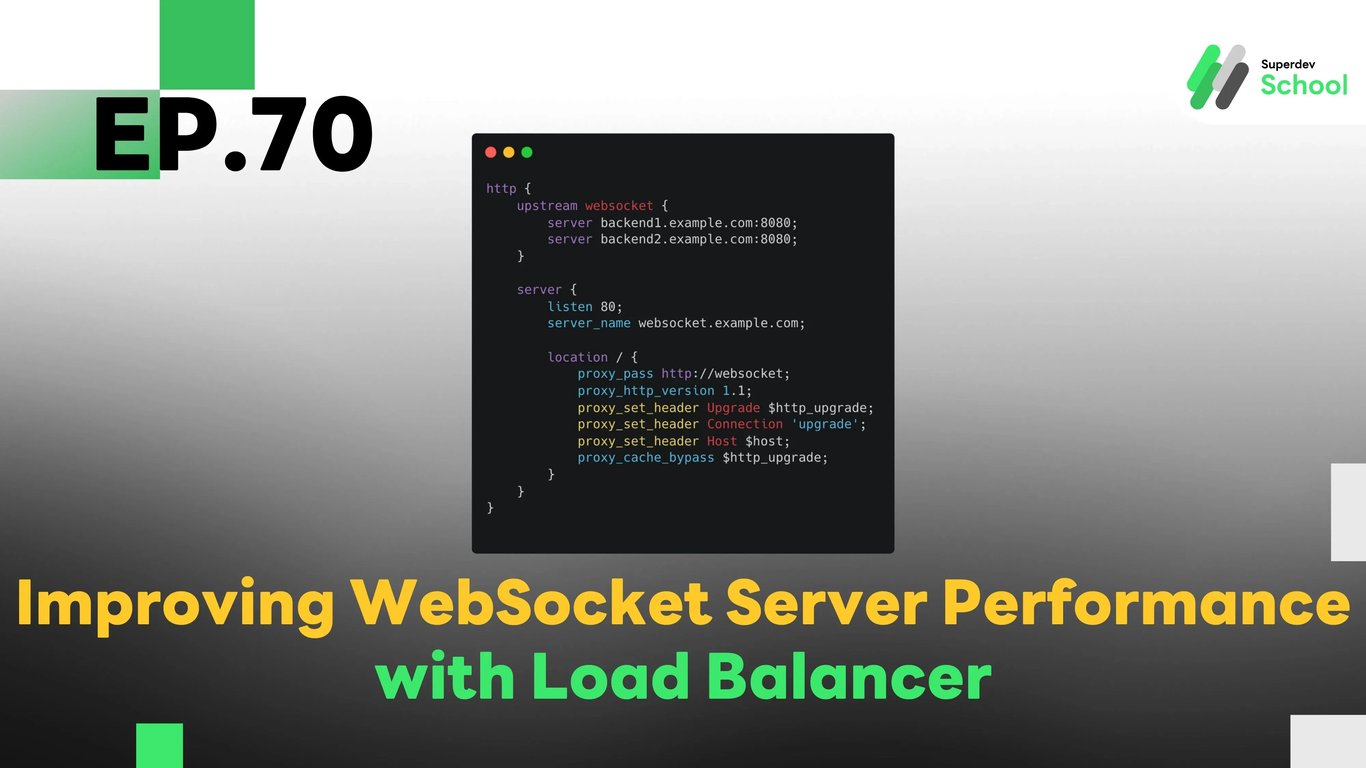
EP.70 Improving WebSocket Server Performance with Load Balancer
#WebSocket Server performance
#WebSocket Load Balancing
#Load Balancer WebSocket
#WebSocket scalability
#High availability WebSocket
In EP.70, we will discuss how to improve WebSocket Server performance using a Load Balancer. By distributing incoming connections across multiple servers, we can ensure that the WebSocket server can handle a large number of connections efficiently and scale horizontally without overloading any single server.
Using a Load Balancer helps in increasing the availability and scalability of your WebSocket infrastructure, allowing it to manage heavy traffic and ensure uninterrupted service for clients.
Why Use a Load Balancer for WebSocket Server?
Using a Load Balancer in a WebSocket Server environment offers several key benefits, especially for real-time applications that need to handle numerous concurrent connections:
- Efficient Load Distribution:
A Load Balancer evenly distributes incoming connections to multiple servers, which helps reduce the burden on any single server and enhances performance. - Improved High Availability:
If one server fails, the Load Balancer can automatically reroute traffic to available servers, ensuring minimal downtime and continuous service. - Scalable Infrastructure:
Load balancing allows you to easily scale your WebSocket system by adding more servers to handle increased traffic. - Reduced Latency:
Load balancing can help in reducing response times by routing requests to the nearest available server, thus improving user experience. - Enhanced Reliability:
Distributing connections across multiple servers makes the system more resilient and capable of handling peak loads without crashing.
How to Set Up Load Balancer for WebSocket Server
To set up a Load Balancer for WebSocket Server, follow these steps:
- Choose the Right Load Balancer:
You can use NGINX, HAProxy, or AWS Elastic Load Balancing (ALB), which support WebSocket connections. The Load Balancer should also support sticky sessions to maintain persistent WebSocket connections. Configure WebSocket Server:
Your WebSocket Server needs to be configured to work with the Load Balancer and accept connections from multiple servers.Example NGINX Configuration:
http {
    upstream websocket {
        server backend1.example.com:8080;
        server backend2.example.com:8080;
    }

    server {
        listen 80;
        server_name websocket.example.com;

        location / {
            proxy_pass http://websocket;
            proxy_http_version 1.1;
            proxy_set_header Upgrade $http_upgrade;
            proxy_set_header Connection 'upgrade';
            proxy_set_header Host $host;
            proxy_cache_bypass $http_upgrade;
        }
    }
}
Setting Up WebSocket Server:
Your WebSocket Server should handle incoming WebSocket requests and be ready to accept connections from the Load Balancer.Example WebSocket Server Code (Go):
package main import ( "log" "net/http" "github.com/gorilla/websocket" ) var upgrader = websocket.Upgrader{ CheckOrigin: func(r *http.Request) bool { return true }, } func handler(w http.ResponseWriter, r *http.Request) { conn, err := upgrader.Upgrade(w, r, nil) if err != nil { log.Println(err) return } defer conn.Close() for { messageType, p, err := conn.ReadMessage() if err != nil { log.Println(err) break } err = conn.WriteMessage(messageType, p) if err != nil { log.Println(err) break } } } func main() { http.HandleFunc("/", handler) log.Fatal(http.ListenAndServe(":8080", nil)) }- Testing the Load Balancer Setup:
After setting up the Load Balancer and WebSocket Server, you should test it to ensure everything works as expected:- Test with multiple connections to verify the load distribution.
- Ensure the Load Balancer handles the failover correctly in case of server failure.
- Test performance to check the reduced latency and improved scalability.
Challenge!
Try setting up WebSocket Load Balancer for your chat application and test how it performs under high traffic conditions!