07/06/2026 06:43am
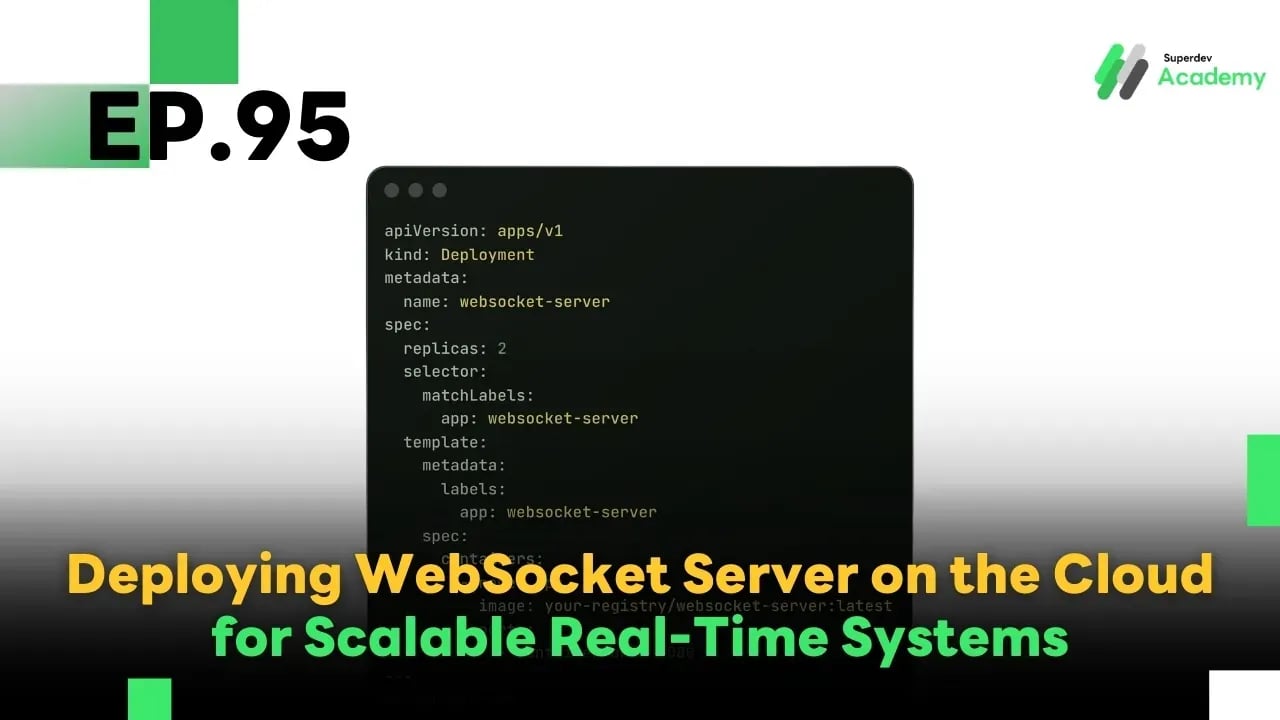
EP.95 Deploying WebSocket Server on the Cloud for Scalable Real-Time Systems
#Golang
#Go
#Kubernetes
#Cloud
#WebSocket
Deploying a WebSocket Server on the Cloud is a critical step in building a real-time system that can handle thousands of users, scale dynamically, and stay reliable under high load.
✅ Why Use Cloud for WebSocket Servers?
✅ Auto-scaling to match user demand
✅ Reduce downtime risks with Load Balancers and redundant nodes
✅ Efficient resource usage — no need for 24/7 server uptime
✅ Easier management for TLS, monitoring, and logging
☸️ Deploying WebSocket Server on Kubernetes
A WebSocket server on Kubernetes is typically managed via Deployment, Service, and Ingress or LoadBalancer.
Sample Deployment YAML:
apiVersion: apps/v1
kind: Deployment
metadata:
  name: websocket-server
spec:
  replicas: 2
  selector:
    matchLabels:
      app: websocket-server
  template:
    metadata:
      labels:
        app: websocket-server
    spec:
      containers:
        - name: app
          image: your-registry/websocket-server:latest
          ports:
            - containerPort: 8080
---
apiVersion: v1
kind: Service
metadata:
  name: websocket-service
spec:
  selector:
    app: websocket-server
  ports:
    - protocol: TCP
      port: 80
      targetPort: 8080
  type: LoadBalancer
Horizontal Pod Autoscaler (HPA):
apiVersion: autoscaling/v2
kind: HorizontalPodAutoscaler
metadata:
  name: websocket-hpa
spec:
  scaleTargetRef:
    apiVersion: apps/v1
    kind: Deployment
    name: websocket-server
  minReplicas: 2
  maxReplicas: 10
  metrics:
    - type: Resource
      resource:
        name: cpu
        target:
          type: Utilization
          averageUtilization: 60
⚖️ Load Balancing for WebSocket
Since WebSocket connections are persistent, sticky sessions (session affinity) are crucial.
NGINX Sticky Session Example:
upstream websocket_backend {
    ip_hash;  # Ensures clients reconnect to the same server
    server ws1.internal:8080;
    server ws2.internal:8080;
}

server {
    listen 443 ssl;
    location /ws/ {
        proxy_pass http://websocket_backend;
        proxy_http_version 1.1;
        proxy_set_header Upgrade $http_upgrade;
        proxy_set_header Connection "upgrade";
    }
}
Most cloud providers (GCP, AWS, Azure) offer native load balancers that support WebSocket with session affinity out of the box.
🔒 Managing TLS / HTTPS
✅ Use TLS termination at Ingress or Load Balancer
✅ Use wss:// instead of ws:// for secure WebSocket communication
✅ Recommended: Let's Encrypt via Cert Manager or use Cloud Provider's TLS
Ingress Example with TLS:
apiVersion: networking.k8s.io/v1
kind: Ingress
metadata:
  name: websocket-ingress
  annotations:
    nginx.ingress.kubernetes.io/ssl-redirect: "true"
spec:
  tls:
    - hosts:
        - example.com
      secretName: tls-secret
  rules:
    - host: example.com
      http:
        paths:
          - path: /ws
            pathType: Prefix
            backend:
              service:
                name: websocket-service
                port:
                  number: 80
🛠️ Best Practices
✅ Separate stateless WebSocket server from stateful services (e.g., sessions, rooms)
✅ Monitor key metrics such as:
- Connection count
- Memory/CPU usage
- Latency and error rate
✅ Use logging and distributed tracing (e.g., OpenTelemetry)
✅ Regularly test auto-scaling, load handling, and failover
✅ Use circuit breakers and retry logic for fault tolerance
🔥 Summary
A properly deployed WebSocket Server on the Cloud:
✅ Automatically scales with user traffic
✅ Works seamlessly with Load Balancers
✅ Provides secure wss:// connections
✅ Ready for real-time production workloads with thousands of users
🎯 Challenge Before the Next Episode
Try deploying your own WebSocket Server on Kubernetes (or your cloud of choice), and configure:
✅ Load Balancer
✅ TLS / HTTPS
✅ Auto-scaling with HPA
✅ Monitoring with Prometheus / Grafana
Then, perform a load test with 1,000 concurrent simulated users!
🔜 Next Episode:
EP.96: Optimizing WebSocket Chat for Mobile Devices 📱
Learn how to design for real-time mobile experiences — including UX tweaks, reconnection strategies, power optimization, and push notification integration.
Read more
🔵 Facebook: Superdev Academy
🔴 YouTube: Superdev Academy
📸 Instagram: Superdev Academy
🎬 TikTok: https://www.tiktok.com/@superdevacademy?lang=th-TH
🌐 Website: https://www.superdevacademy.com/en