07/06/2026 06:43am
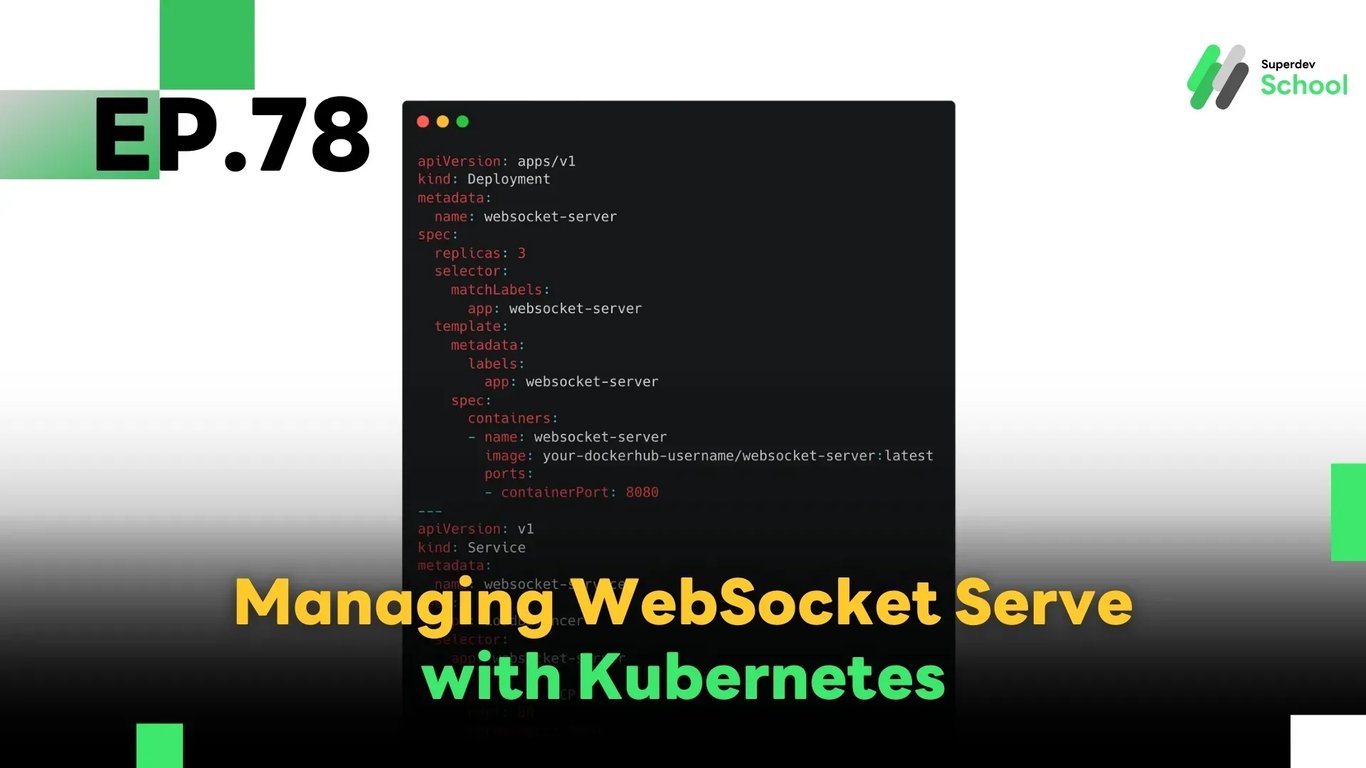
EP.78 Managing WebSocket Server with Kubernetes
#Rolling Update
#Load Balancer
#High Availability
#Auto Scaling
#WebSocket Server
#Go
#WebSocket
#Kubernetes
In this episode, we'll explore how to manage a WebSocket server using Kubernetes to ensure your real-time system is scalable, resilient, and efficient. Kubernetes provides all the tools you need to automate deployments, handle server restarts, scale pods, and perform rolling updates without downtime — making it ideal for managing WebSocket servers in production.
🔸 Why Use Kubernetes with a WebSocket Server?
✅ Automatic Container Orchestration:
Kubernetes handles container deployment, restarts, and scheduling, eliminating manual configuration.
✅ Scalability:
You can scale WebSocket server pods up or down automatically based on real-time user demand.
✅ High Availability:
If a node or pod crashes, Kubernetes reschedules it on a healthy node with zero manual intervention.
✅ Rolling Updates:
You can update your WebSocket server seamlessly without disconnecting users.
🔸 Step-by-Step: Deploying a WebSocket Server with Kubernetes
✅ 1. Build and Push Docker Image
docker build -t websocket-server:latest .
docker push your-dockerhub-username/websocket-server:latest
Replace
your-dockerhub-usernamewith your actual Docker Hub account or private registry path.
✅ 2. Create Kubernetes Deployment and Service
apiVersion: apps/v1
kind: Deployment
metadata:
  name: websocket-server
spec:
  replicas: 3
  selector:
    matchLabels:
      app: websocket-server
  template:
    metadata:
      labels:
        app: websocket-server
    spec:
      containers:
      - name: websocket-server
        image: your-dockerhub-username/websocket-server:latest
        ports:
        - containerPort: 8080
---
apiVersion: v1
kind: Service
metadata:
  name: websocket-service
spec:
  type: LoadBalancer
  selector:
    app: websocket-server
  ports:
    - protocol: TCP
      port: 80
      targetPort: 8080
This configuration runs 3 replicas of the WebSocket server and exposes them via a load-balanced service on port 80.
✅ 3. Check the Status of Your Deployment
kubectl get pods
kubectl get svc
Make sure all pods are running and the service is exposed properly.
💡 Pro Tips
- Use Horizontal Pod Autoscaler (HPA):
Automatically scale your WebSocket server pods based on CPU or memory usage. - Use ConfigMaps and Secrets:
Externalize your configuration and keep credentials secure and separated from source code. - Add Readiness & Liveness Probes:
Improve fault tolerance and self-healing by letting Kubernetes detect when a pod is healthy and ready to receive traffic.
🔜 Coming Next in EP.79:
Geo-Distributed WebSocket Servers
Learn how to design a WebSocket system that works across multiple geographic regions to reduce latency and improve reliability for users around the world.
Read more
🔵 Facebook: Superdev School (Superdev)
📸 Instagram: superdevschool
🎬 TikTok: superdevschool
🌐 Website: www.superdev.school